Create Release
A guide to creating a release within your project.
This guide provides step-by-step instructions for creating a release for your service packages.
Steps to Create a Release
-
Navigate to your Project Dashboard and click Services
-
Select your service from the main grid.
-
In the side navigation, click Packages
-
Select a package from the list.
-
Click on the vertical ellipsis button (three dots).
-
Select Create New Release from the dropdown menu.
-
Fill out the release details:
Name Enter a name for your release.
Tip: Use a versioning format like
v1.0.0orRelease_2025_01to maintain consistency and clarity.Issue Tracking Link Add a link to the issue tracking system (e.g., Jira, GitHub Issues) for reference.
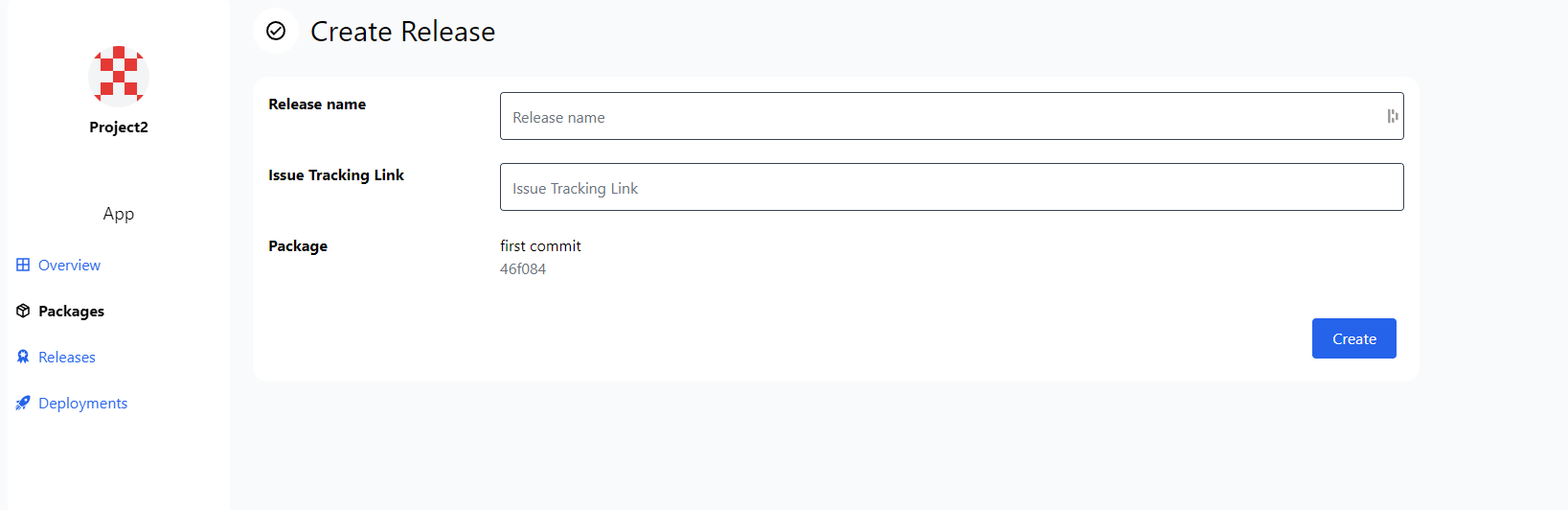
Release creation interface.
- To finalize the release click Create
Additional Resources
⭐ StationOps Architect
For more information on how to create releases see the StationOps Architect guide