User Groups
User groups are created at the project level to define permissions for their members. Before users can be added to a user group, they must first be members of the organization.
Create a User Group
Follow these steps to create a new user group in your project:
-
Open Project Dashboard:
Navigate to your Project Dashboard. -
Access Settings:
Click on Settings in the main navigation. -
Navigate to Access:
In the side navigation, click on Access -
Create a User Group:
Click on Create user group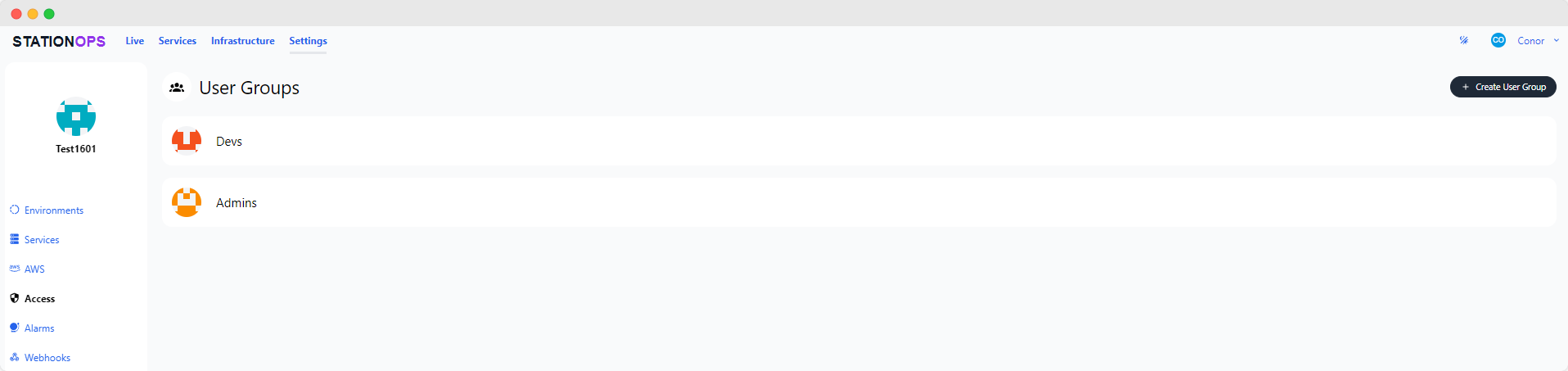
User Group menu. -
Provide Details:
Enter a name for the user group and click Create You will be redirected to the new User Group page. -
Configure Permissions:
Assign group permissions, such as admin and developer privileges, based on the group’s purpose.
Add Members to the User Group
-
Add a Member:
On the User Group page, click Add member -
Select a Member:
Choose a member from the organization in the dropdown menu. -
Confirm Addition:
Click Add to add the member to the user group.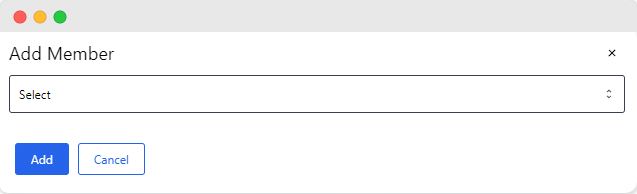
adding members to a User Group.
Additional Resources
⭐ StationOps Architect
For more information on how to configure user groups see the StationOps Architect guide